How to make an AI pet portrait from a photo
Choose a clear pet photo, create a warm illustrated portrait and check the eyes, ears and coat markings before downloading.
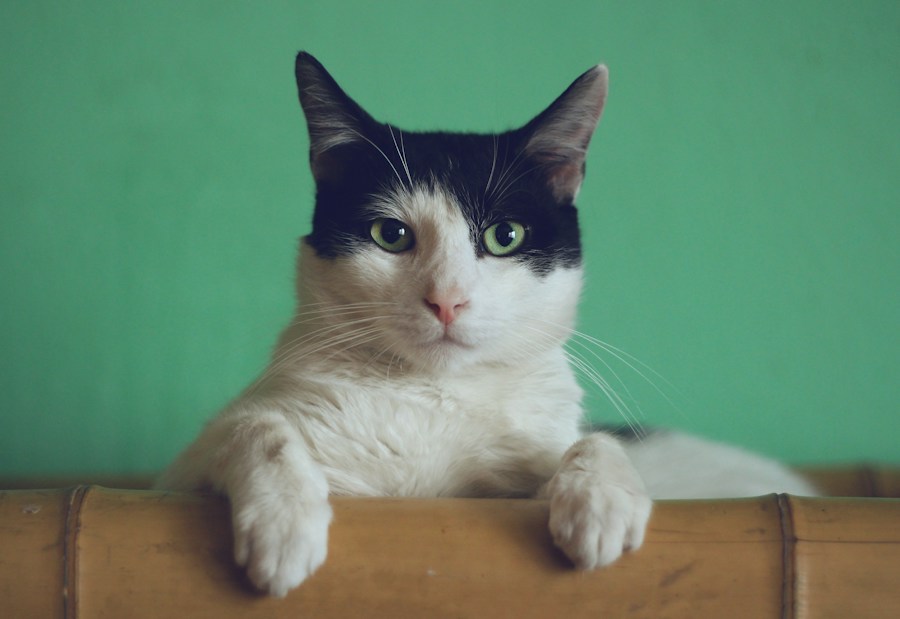
Upload a clear photo of one pet to AI Pet Portrait and select Generate. AI Greats uses a built-in warm illustration style. A reference with visible eyes, ears and coat markings gives you more details to compare with the result.
Step by step
- Choose a sharp, evenly lit photo of one pet, with its face and characteristic markings visible.
- Upload a JPG, PNG or WebP no larger than 10 MB to AI Pet Portrait. Check account availability and the 10-credit generation cost.
- Select Generate and wait for generation and content review to finish. Check the existing task if processing takes longer.
- Compare the pet's eyes, ears, markings and overall appearance, then download the result you want to keep.
Check before you publish
- Avoid filters that hide the pet's natural colors.
- A photo with one clearly visible pet reduces ambiguity about the subject.
- Look for invented accessories, extra limbs or changed markings.
- Use a photo you own or have permission to edit.
Common questions
Will it look exactly like my pet?
The result is an illustration, and likeness can vary. Check the distinctive markings and facial details.
Can I upload several pets together?
The built-in preset is intended for one pet. A single clear subject is easier to inspect.
Is an AI pet portrait free?
This tool uses 10 credits per generation. Current credit packs and subscriptions are listed on the Pricing page; access depends on account availability.
Tool and service details
AI Pet Portrait · Pricing · Privacy · Acceptable Use Policy
This guide describes the current built-in preset. Generation availability is shown in your account. AI-generated results may differ from reference media.
Questions about a task? Contact support@ai-greats.com