How do I turn one product photo into a short video?
Prepare a product image without people for a five-second AI clip. Plan gentle motion and check packaging, labels, edges and reflections frame by frame.
Use a clear still product photo with no people, including hands, reflections or faces on packaging. AI Greats Image to Video requests a five-second 720p clip with gentle motion using a fixed preset. It does not guarantee a product rotation, readable moving labels or identical geometry.
Choose a shot the source can support
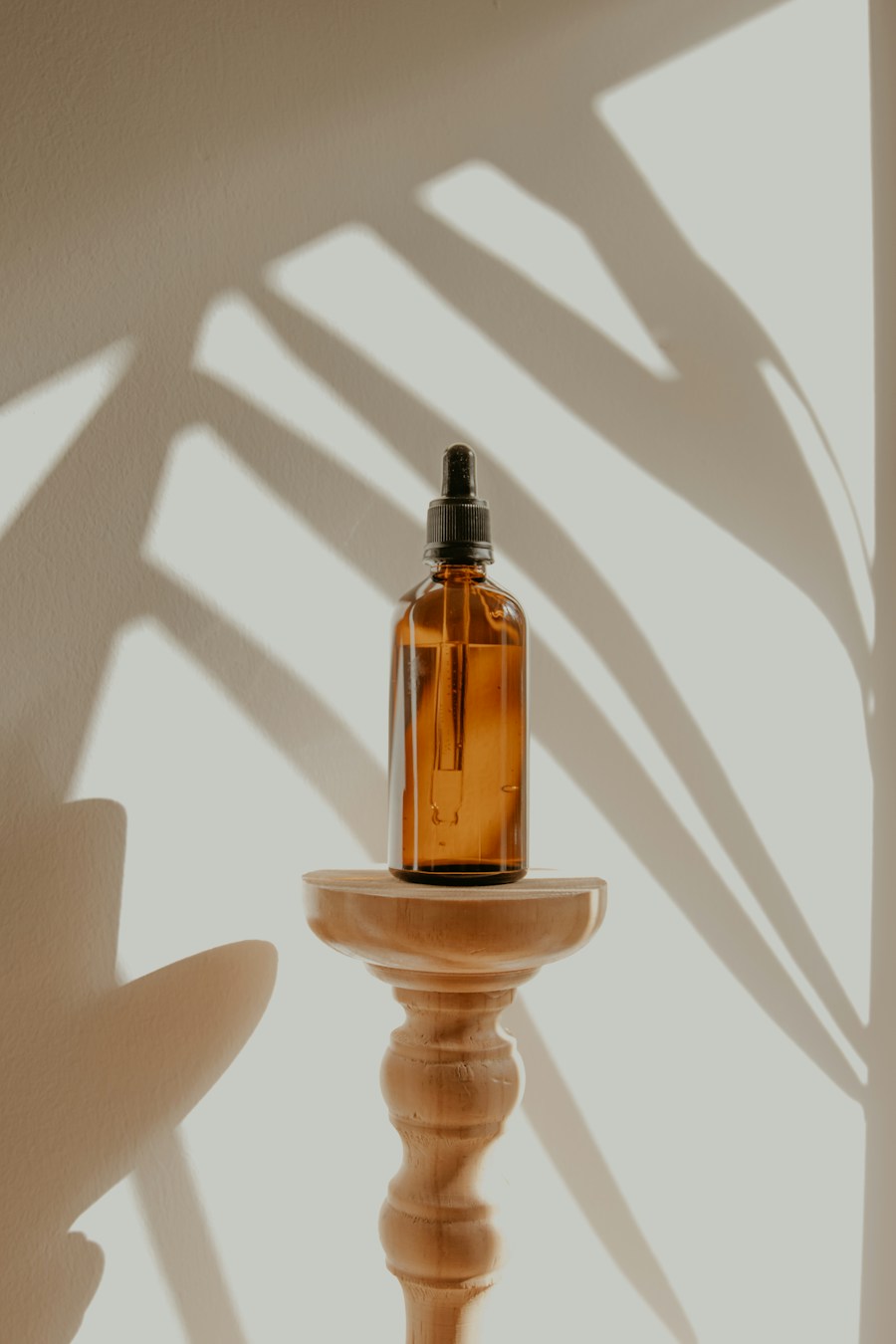
Start with one object on a simple surface, leave space around its outline and avoid cropped edges. Glass, mirrors and shiny packaging need special attention because reflections can hide people or produce changing details.
A single front view does not show the back or internal construction. Do not use a generated turntable view to prove features the source never showed. For an exact product demonstration, film the real item.
Review the whole clip, not just the first frame
Pause near the beginning, middle and end, then watch the full clip. Compare the logo, cap, handle, seams, count of components and shadow direction throughout.
Reject a clip that invents product features or shows people. AI Greats reviews outputs before delivery, but that content review is not a guarantee of product accuracy. You still need to check whether the video represents your item correctly.
Is this source suitable?
| Source | Recommended action |
|---|---|
| Single object, plain scene | Check edges and labels, then consider a gentle-motion clip. |
| Hand holding the product | Use a different photo without real or photorealistic people. |
| Mirror or glossy bottle | Inspect reflections for people and identity-like details. |
| Packaging with a person's photo | Choose a source without people, including printed or embedded photos. |
| Exact assembly or function demo | Record real footage; synthesized motion is not evidence of operation. |
Step by step
- Choose an authorized still JPG, PNG or WebP up to 10 MB. Inspect the whole image for people and reflections.
- Open Image to Video, check approved-account access and the 60-credit generation cost, then upload the picture.
- Select Generate once. The preset controls movement; wait for the task and output review instead of submitting duplicates.
- Inspect the complete clip, compare product details and download only a suitable result.
Check before you publish
- Five seconds and 720p are the preset request, not a promised rendering time.
- No custom motion prompt or guaranteed 360-degree rotation is offered.
- Generation uses paid credits; current access is limited to approved accounts.
Common questions
Can I choose an exact camera move?
Not in the current fixed-preset tool. The model is asked for gentle movement, and results can vary.
Can the model keep my label readable?
Readable text and unchanged packaging are not guaranteed. Check the entire result against the real product.
Can I animate a person using the product?
This tool does not accept real or photorealistic people, including hands, reflections and people shown in other images.
Further reading
Tool and service details
Image to Video · Pricing · Privacy · Acceptable Use Policy
This guide describes the current built-in preset. Generation availability is shown in your account. AI-generated results may differ from reference media.
Questions about a task? Contact support@ai-greats.com