How to Use a Medical Certificate Template (PDF Guide)
Learn how a free medical certificate template formats absence statements and clinician-review drafts into A4 PDFs, plus privacy tips and usage limits.
A medical certificate generator can organize names, absence dates and the recipient into a readable document. It cannot diagnose an illness or turn a self-written statement into clinical evidence. AI Greats formats clinician-supplied information into clinical templates for professional review and signature, as well as self / parent absence statements.
Why generate a document instead of writing an email?
A short email may be enough when the recipient accepts one. A structured document is useful when you need a consistent layout, want to check the same date range in several places or need a PDF for an existing administrative process. Ask for the recipient's preferred form first; a custom template may not be necessary.
The useful part is organization, not the appearance of authority. A medical certificate generator should make the author and status of a document obvious, so a parent statement is not mistaken for a clinician's assessment.
What this tool prepares
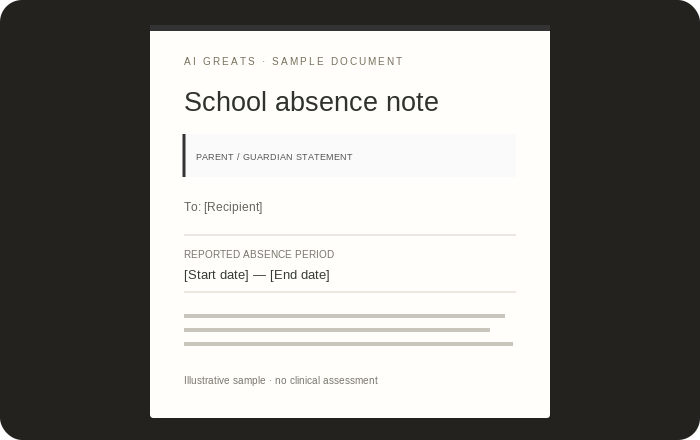
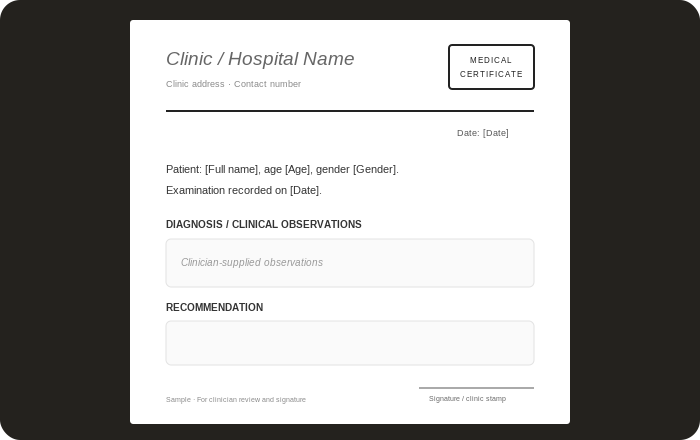
Choose a clinical template for authorized clinic, patient and clinician information, a personal absence statement, a parent / guardian note, or an information draft. Clinical observations and recommendations must come from the user’s authorized records, not an AI diagnosis.
Clinical templates include observations, recommendations and clinician details. Do not enter unnecessary identity or insurance information. There is no examination, generated signature, clinic stamp or certificate verification system. If the recipient asks for medical evidence, arrange the appropriate assessment instead of treating the draft as the finished evidence.
Privacy when generating and sharing a PDF
Downloading and printing are processed locally without storing the form. Email is optional: after sign-in and consent, the PDF goes through AI Greats and Resend to the verified account email. Mail providers retain messages under their policies. Refreshing clears entries. Optional site analytics do not run on the tool page. A shared device, browser extension or chosen print destination may have its own data handling, so check those separately.
When saving a PDF, choose a location you control and share only with the intended recipient. Do not put a diagnosis in a filename or publish a completed document as an example. An attractive layout does not make sensitive information safe to distribute.
Step by step
- Ask the recipient whether it needs its own form, a personal statement or professional evidence.
- Open the Medical Certificate Generator and choose a document type and template style.
- Enter accurate details, choose one of four styles and review the document.
- Download the PDF directly, print, or sign in and consent to email the PDF to your verified address.
Check before sharing
- Use only truthful dates and information.
- Keep the self-reported or draft label visible.
- Do not represent the output as medical advice or clinician-issued evidence.
Common questions
Why does the PDF say not a medical certificate?
Because the tool formats a statement or draft without a clinical assessment. The label identifies that limit for the recipient.
Is this medical certificate generator free?
Download and print are free without sign-in or AI credits. Email copies require a verified account and processing consent.
Will a generated PDF be accepted everywhere?
No. Requirements differ by recipient and jurisdiction. Confirm them before preparing a document.
Tool and service details
Medical Certificate Generator · Pricing · Privacy · Acceptable Use Policy
This guide explains document preparation, not medical advice or clinical verification. The tool is free, local and does not issue medical certificates.
Questions about a task? Contact support@ai-greats.com